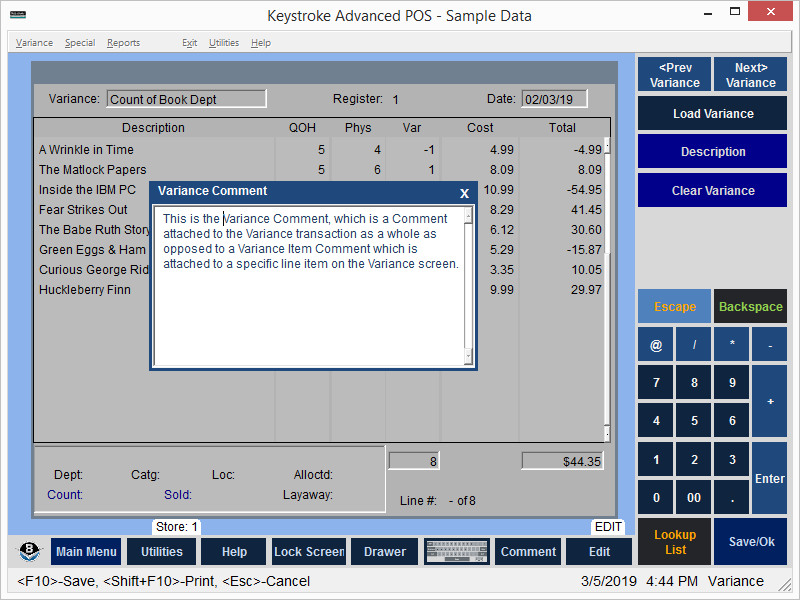
To enter a Variance Comment, which is a Comment attached to the Variance transaction as a whole (as opposed to a Variance Item Comment which is attached to a specific line item on the Variance screen), first press [F8] to navigate to the Variance Description field, then press [Shift]+[Enter] to display the Variance Comment screen.
Enter the Comment information and press [F10] to save.
See:
Variance - Contents