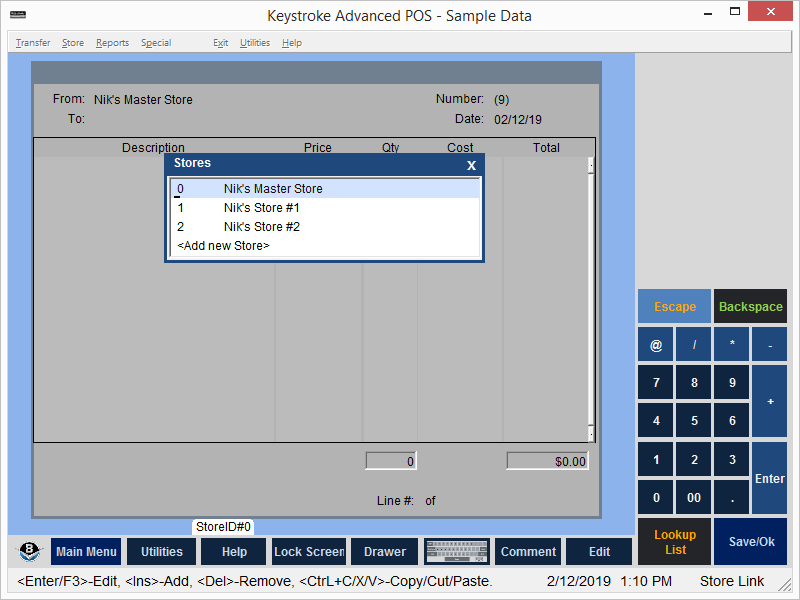
Store Setup displays the list of currently available stores.
Press [Ins] to Add a store.
Select a store from the list and press [Enter] or [F3] to Edit it, or [Del] to Delete it.
IMPORTANT: The store at the top of the list is the store that controls the inventory information. Make sure the Master Inventory store is at the top of the list. To move a store on the list from one position to another, press [Shift]+[Del] or [Ctrl]+[x] to cut the store, move the cursor to the desired position for the store, and then press [Shift]+[Ins] or [Ctrl]+[v] to paste the store into that position. The Master Inventory store controls the Update Inventory function which updates Descriptions, Product Codes, Prices, etc.
See:
Entering Store Information
Store Link Contents