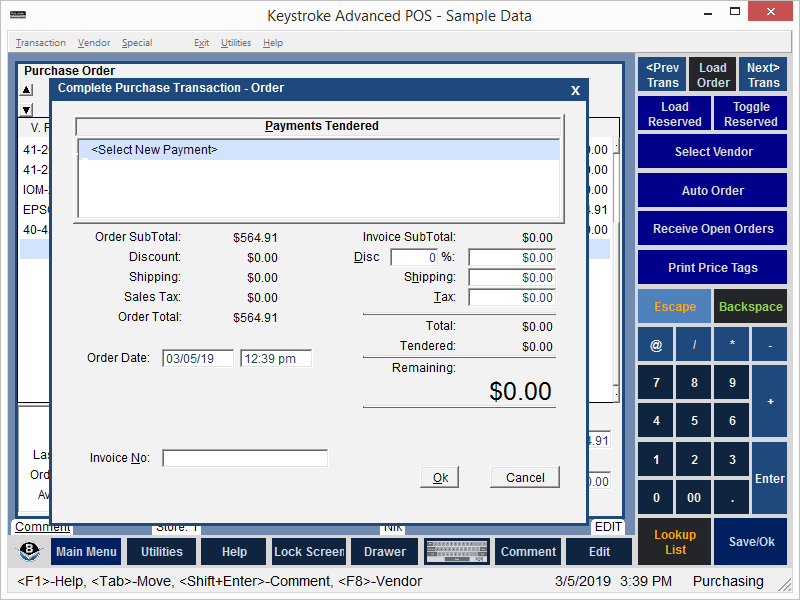
To enter a Payment on a Purchase Transaction:
- Navigate to the Complete Purchase Transaction screen.
- Choose the Select New Payment option from the Complete Purchase Transaction screen Payments Tendered box.
- Select a Payment from the Payment List.
- The Payment Screen for the selected Payment is displayed.
- Enter the Payment Tendered amount and any other appropriate information on the Payment Entry Screen.
- Click the [Ok] button or press [F10] to continue.
See:
Complete Purchase Transaction Screen
Purchase Manager Contents