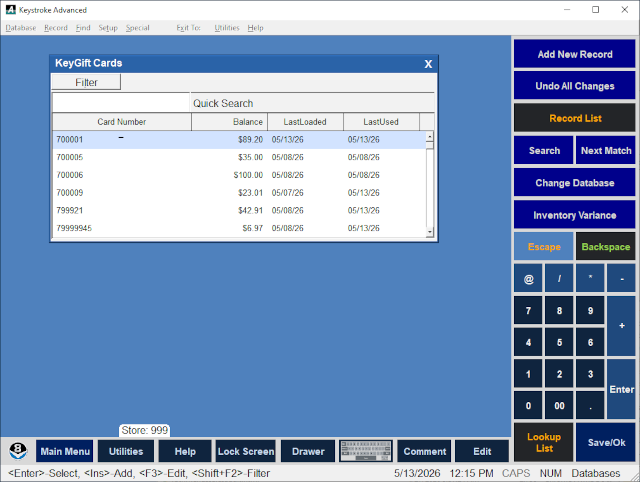
The Edit KeyGift Cards option under the Special menu opens the KeysGift Cards screen from which KeyGift Cards may be edited on the Edit KeyGift Card screen. Audit entries are recorded for changes made using this function.
Use of KeyGift Cards (and Store Credits) in a MultiStore environment requires the use of a shared Customer Database.
See:
Edit KeyGift Cards screen
Enable KeyGift Cards
Database Manager Contents