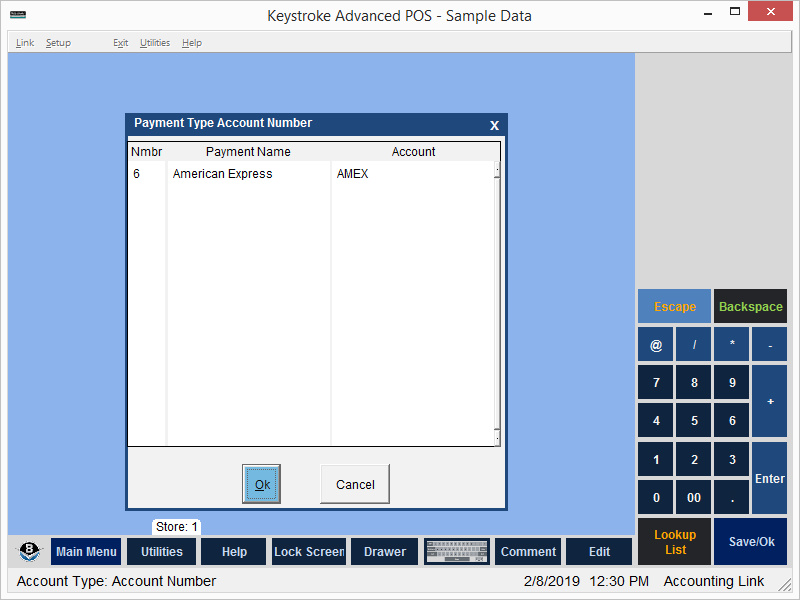
Account numbers can be assigned to Payment Types.
Entries for each Payment Type can be posted to a different account. If a Payment Type does not have an account number assigned, Keystroke uses the default Cash, Credit, and Other payment type accounts identified in Posting Accounts settings.
Setting up Payment Type accounts:
- From the Setup Menu, select Payment Types.
- Press [Ins] in the Number column to display the Payment Types list.
- Select a Payment Type and press [Enter]. The name of the Payment Type is displayed in the Payment Name column.
- Enter a valid account number in the Account column.
- Click the [Ok] button or press [F10] to Save. Press [Esc] to cancel.
See:
Accounting Link Contents