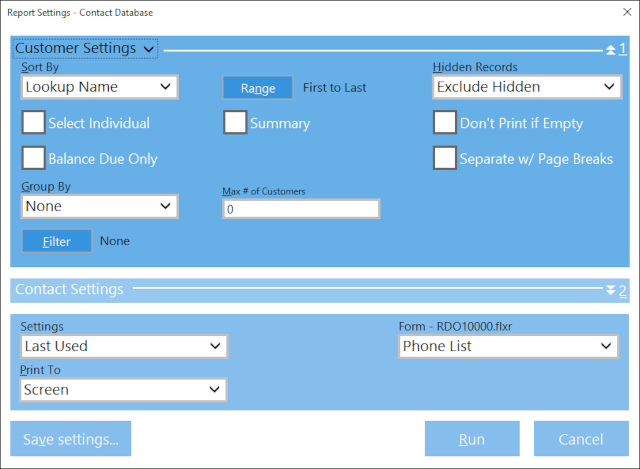
Customer Settings - Sort, group, and filter Customers for this report. Select Individual allows the report to be run for just the selected Customer(s). Balance Due Only limits the report to only Customers with a Balance Due amount. Summary reports only the number of Contacts attached to the Customer (excluding the Contact names, phone numbers, etc.).
Contact Settings - Group and filter Contacts for this report.
Saved Settings - Previously saved settings for this report.
Form - Lists the Forms available for use with the current report.
Print To - Print to a Screen, Printer, or File.
See:
Report Manager Contents