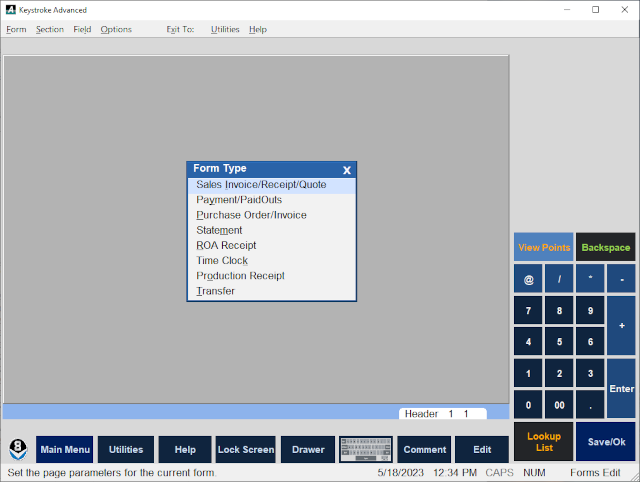
The Forms Editor - Form Menu - New option is used to display the Form Type List screen to select the type of Form File to be edited or created.
Form File types include: Sales Invoice/Receipt/Quote, Payment/PaidOuts, Purchase Order/Invoice, Statement, ROA Receipt, Time Clock, Production Receipt, and Transfer.
- Select a type of Form File and Press [Enter] to display the Load Form List screen.
- Either select an existing Form File from the Load Form List, or press [Esc] to create a new Form File.
See:
Forms Editor Contents