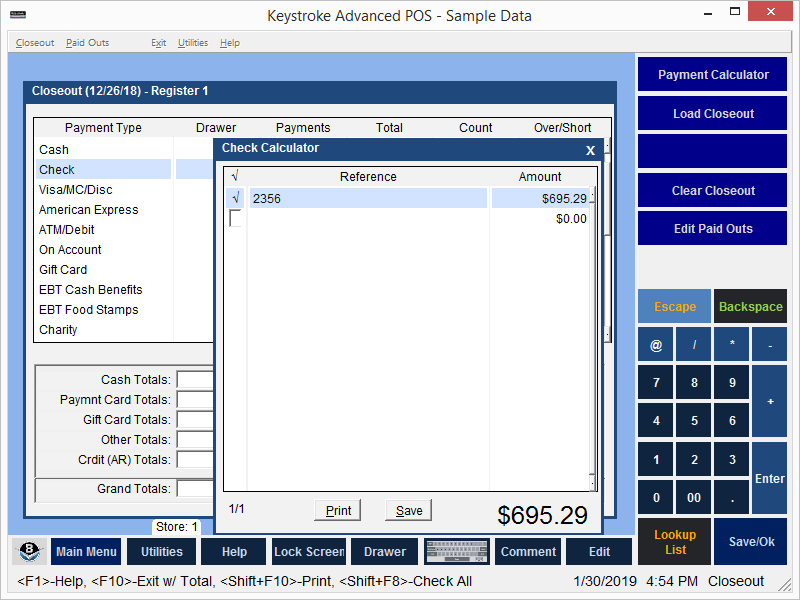
The Check Calculator helps count checks, credit card receipts or other notes from the Count Column in the Closeout function.
- Use the [Spacebar] key or click the mouse in the left column to indicate the item has been accounted for.
- The Check Calculator calculates the total amount of the items.
- Select Ok to place the total in the Count field.
- To print the results, select Print.
Note: The calculator retains all the entries for each payment type as long as the Clerk does not leave the Closeout Module or use the Clear function.
See:
Closeout - Contents